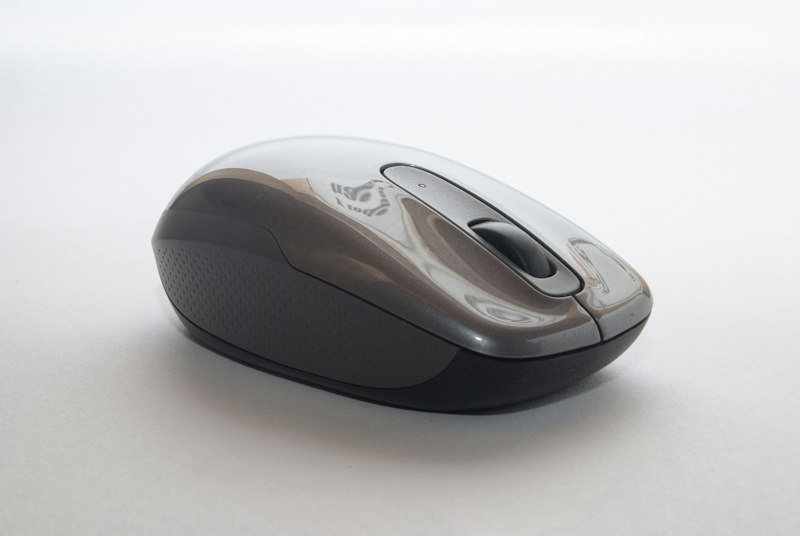
Mice & Keyboards
ProtoGear
Ergonomic Vertical Wireless Mouse
A handshake-grip vertical mouse that reduces wrist strain during long workdays.
$29–$454.5(12,840)
Read review →Independent tech reviews · US shoppers
Specs made simple. Picks made smarter.
Independent tech reviews, comparisons, and buying guides. Clear English write-ups so you can decide fast — no hype, just practical picks.
High-intent gadgets for desks, creators, and remote work.
ProtoGear
A handshake-grip vertical mouse that reduces wrist strain during long workdays.

SoundFocus
Deep focus headphones with solid ANC for open offices, flights, and deep work blocks.
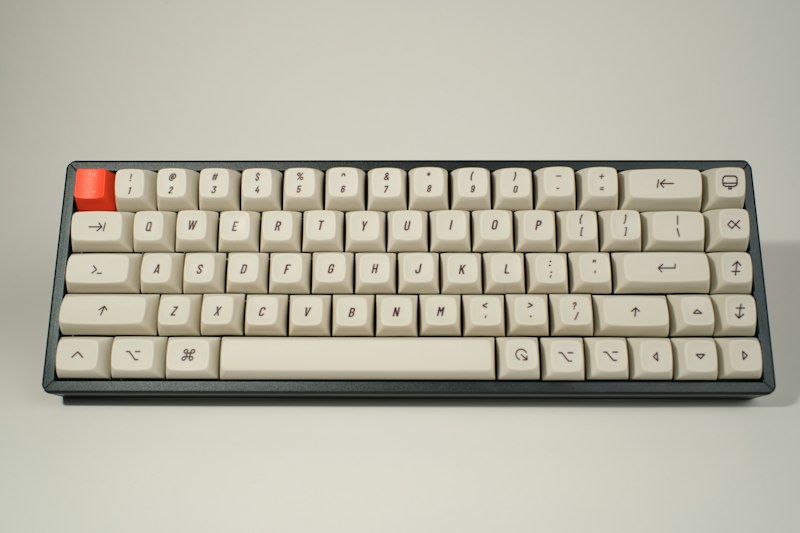
DockLite
Expand a thin laptop with HDMI, USB-A, SD, and power passthrough in one slim hub.
Ergonomic mice, mechanical keyboards, and productivity input gear.
Noise-cancelling headphones, earbuds, and desk speakers.
Ultrawide, portable, and high-refresh displays for work and play.
4K webcams, lights, and creator tools for clear video calls.
SSDs, external drives, and high-speed portable storage.
USB-C hubs, docks, chargers, and reliable cables.
Smart plugs, sensors, and desk automation gadgets.
Standout IT accessories that improve everyday workflows.